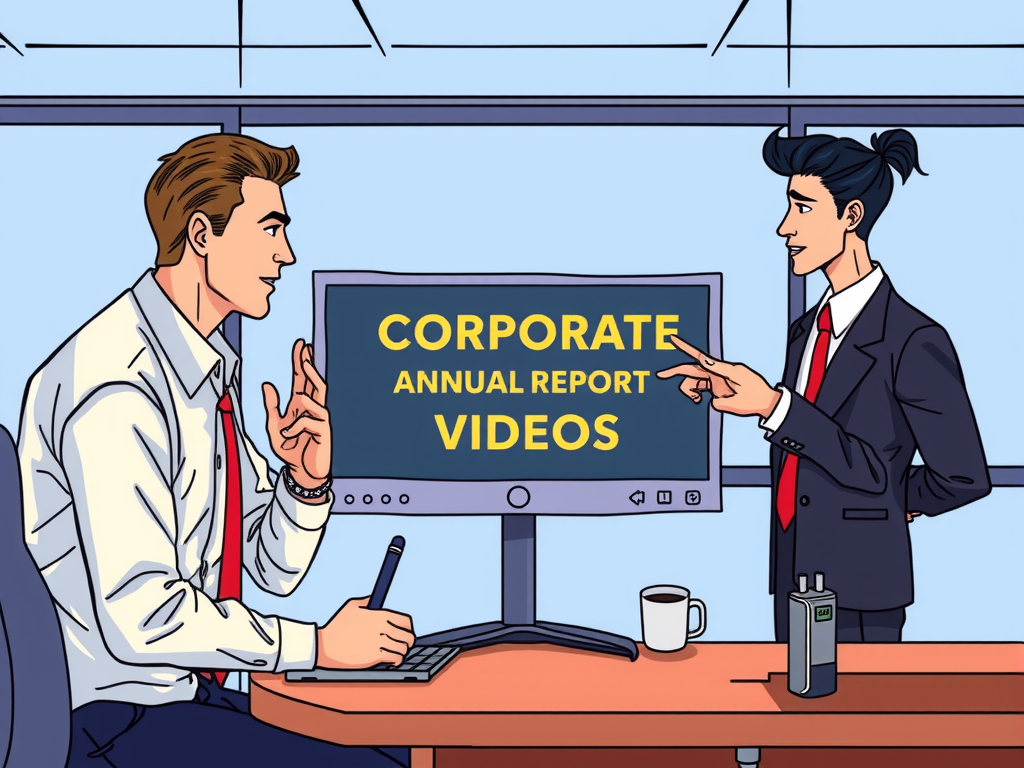
Editing corporate annual report videos can be a daunting task, but with the right tools and techniques, it can be a seamless process. In this article, we will discuss some tips and tricks on how to edit corporate annual report videos effectively. From cutting out unnecessary footage to adding in professional transitions, we will cover everything you need to know to create a polished and professional final product.
By following our step-by-step guide, you will be able to enhance the quality of your corporate annual report videos and ensure they convey your message effectively. Don't let the editing process overwhelm you – with the right approach, you can create engaging and impactful videos that will impress your audience. Keep reading to learn more about how to edit corporate annual report videos like a pro!
Table of contents
Expert Tips for Editing Corporate Annual Report Videos
Editing corporate annual report videos can be a daunting task, but with the right tips and tricks, you can create a professional and polished final product. One expert tip for editing corporate annual report videos is to carefully review the script and storyboard before starting the editing process. This will help ensure that the final video aligns with the key messages and goals of the annual report. Additionally, it's important to pay attention to details such as color correction, audio levels, and transitions to create a cohesive and engaging video that captures the audience's attention.

Creating a clear and concise narrative is essential when editing corporate annual report videos. Make sure to highlight key points and data in a visually appealing way to keep viewers engaged throughout the video. Another expert tip is to incorporate graphics, charts, and animations to help illustrate complex information and make the content more digestible for the audience. By using these visual elements strategically, you can enhance the overall storytelling of the annual report video and make a lasting impact on viewers.
When editing corporate annual report videos, it's also important to maintain a consistent brand identity throughout the video. This includes using the company's logo, colors, and fonts to create a cohesive look and feel. Another expert tip is to pay attention to the pacing of the video and make sure that it flows smoothly from one section to the next. By editing out any unnecessary pauses or distractions, you can create a more engaging and professional video that keeps viewers interested from start to finish.
Enhance Your Corporate Annual Report Videos with These Editing Techniques
Enhance Your Corporate Annual Report Videos with These Editing Techniques
When it comes to creating a professional and engaging corporate annual report video, editing is key. By incorporating the right techniques, you can take your video from good to great. One essential editing technique is to ensure that your video has a clear and concise message. This can be achieved by trimming any unnecessary footage and focusing on the most important information. Additionally, incorporating high-quality visuals and graphics can help to enhance the overall look and feel of your video.
Another important editing technique is to pay attention to the pacing of your video. Make sure that the video flows smoothly and keeps the viewer engaged from start to finish. Adding transitions between scenes can help to create a seamless viewing experience. It's also important to consider the audio quality of your video. Ensure that the sound is clear and professional, and consider adding background music to enhance the overall mood of the video.
Lastly, don't forget to add text overlays or captions to highlight key points and make your video more accessible to all viewers. By incorporating these editing techniques, you can create a corporate annual report video that effectively communicates your message and leaves a lasting impression on your audience.
Maximize Impact: Editing Strategies for Corporate Annual Report Videos
When it comes to editing corporate annual report videos, it's essential to maximize their impact to effectively convey your message to stakeholders. One key strategy is to keep the editing process simple and engaging for the viewer. By following these editing strategies, you can create a compelling video that effectively communicates your company's achievements and goals.
Frequently Asked Question
Editing Corporate Annual Report Videos
Editing corporate annual report videos involves combining footage, adding graphics and animations, adjusting color and sound levels, and ensuring a polished final product. One key aspect is creating a cohesive narrative that highlights the company's achievements and goals.
Choosing the Right Editing Software
When selecting editing software for corporate annual report videos, consider factors such as ease of use, available features, compatibility with your computer system, and budget. Look for software that offers professional-grade editing tools to elevate the quality of your videos.
Adding Corporate Branding Elements
To maintain consistency and reinforce your company's brand identity, incorporate logo overlays, color schemes, and typography in your annual report videos. This helps establish a strong visual connection with viewers and reinforces brand recognition.
Optimizing Video Length and Format
Keep your corporate annual report videos concise and engaging by avoiding unnecessary content and focusing on key messages. Consider the platform where the video will be shared and optimize the format accordingly for maximum viewer engagement.
Reviewing and Revising
Before finalizing your corporate annual report videos, carefully review them for accuracy, clarity, and professionalism. Seek feedback from colleagues or stakeholders to ensure the video effectively conveys the company's achievements and vision.
Conclusion
In conclusion, editing corporate annual report videos with a human touch is essential in creating engaging and professional content. By keeping it simple and using easy language, viewers are more likely to connect with the message being conveyed. Remember to focus on clarity and conciseness, while still maintaining the necessary details and information. By following these tips, you can create annual report videos that effectively communicate your message to your audience.