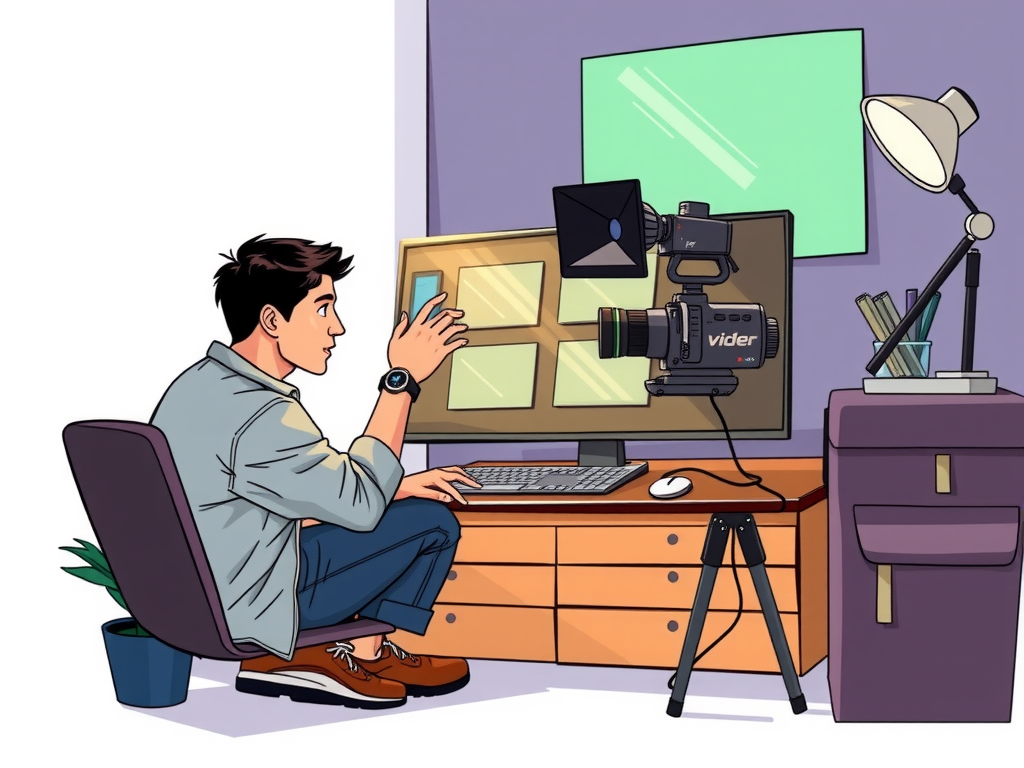
Are you looking to enhance the quality of your online education videos? Video editing plays a crucial role in creating engaging and informative content for your students. By following the best practices for video editing, you can ensure that your online courses are effective and captivating. From trimming clips to adding transitions and effects, there are several techniques that can help you create professional-looking videos that keep your audience engaged.
When it comes to online education, video editing is key to delivering high-quality content that keeps students motivated and interested. By implementing the best practices for video editing, you can create videos that are not only informative but also visually appealing. Whether you are a teacher creating instructional videos or a content creator producing online courses, mastering the art of video editing can take your content to the next level. Learn more about the top tips and tricks for video editing in online education to elevate your online courses and engage your audience from start to finish.
Table of contents
Maximizing Engagement Through Professional Video Editing Techniques
In the world of online education, video content plays a crucial role in engaging students and enhancing their learning experience. Professional video editing techniques can make a significant difference in maximizing engagement and ensuring that students stay focused and interested in the material being presented.

One key aspect of professional video editing is ensuring that the content is visually appealing and easy to follow. This includes using high-quality visuals, clear audio, and engaging graphics to capture the attention of the viewer. By incorporating these elements, educators can create videos that are not only informative but also visually stimulating, keeping students engaged throughout the entire lesson.
Another important factor to consider when editing videos for online education is the pacing and flow of the content. By carefully editing out unnecessary pauses or tangents, educators can ensure that the video maintains a steady pace and keeps students interested from start to finish. Additionally, using transitions and animations can help to break up the content and make it easier for students to digest the information being presented.
Incorporating interactive elements into video content can also help to maximize engagement and keep students actively involved in the learning process. This can include adding quizzes, polls, or interactive activities that require students to participate and engage with the material being presented. By incorporating these elements, educators can create a more dynamic and engaging learning experience for their students.
Overall, by utilizing professional video editing techniques, educators can create high-quality, engaging content that enhances the online learning experience for students. Whether it's through visually appealing graphics, seamless pacing, or interactive elements, effective video editing can make a significant impact on student engagement and retention. So, it is essential for educators to invest time and effort into honing their video editing skills to create content that truly resonates with their students.
Enhancing Learning Experience with Top Video Editing Strategies
Video editing plays a crucial role in enhancing the learning experience for online education. By utilizing top video editing strategies, educators can create engaging and interactive content that keeps students motivated and focused. One key strategy is to keep videos concise and to the point, ensuring that important information is delivered clearly and effectively. Additionally, incorporating visual aids such as graphics, animations, and text overlays can help reinforce key concepts and make the content more engaging for students. By using these video editing techniques, educators can create high-quality educational videos that effectively communicate their message and facilitate learning.
Optimizing Online Education Content with Effective Video Editing Practices
In today's digital age, online education has become increasingly popular, making effective video editing practices essential for optimizing content. By incorporating the following best practices into your video editing process, you can create engaging and impactful educational videos that enhance the learning experience for your audience.
– Start by planning your video content carefully, outlining the key points you want to convey and organizing your materials in a logical sequence.
– Keep your videos concise and focused, aiming to convey information in a clear and easily digestible manner.
– Use visual aids such as graphics, animations, and text overlays to enhance the clarity of your content and keep viewers engaged.
– Incorporate interactive elements like quizzes or polls to encourage active participation and reinforce learning objectives.
– Pay attention to audio quality, ensuring that your voiceovers are clear and easy to understand.
– Utilize editing tools to enhance the overall production quality of your videos, including transitions, effects, and color correction.
– Optimize your videos for search engines by including relevant keywords in your titles, descriptions, and tags.
Frequently Asked Question
What are the best practices for video editing in online education?
When it comes to video editing in online education, it's important to keep the content engaging and visually appealing. One best practice is to keep the videos short and focused, with clear and concise information. Another best practice is to use high-quality visuals and graphics to enhance the learning experience. Additionally, it's crucial to ensure that the audio is clear and easy to understand, as this can greatly impact the overall quality of the video.
How can video editing improve the effectiveness of online education?
Video editing plays a crucial role in enhancing the effectiveness of online education by making the content more engaging and interactive. By incorporating best practices such as clear visuals, concise information, and high-quality audio, video editing can help to keep students focused and interested in the material being presented. This can lead to better retention of information and improved learning outcomes in online education.
What tools and software are recommended for video editing in online education?
There are several tools and software options available for video editing in online education, including popular programs like Adobe Premiere Pro, Final Cut Pro, and Camtasia. These tools offer a wide range of features and capabilities to help create professional-looking videos for educational purposes. Additionally, there are also free or more budget-friendly options such as iMovie, Filmora, and Shotcut that are suitable for beginners or those on a tighter budget.
Conclusion
Video editing plays a crucial role in online education, as it can enhance the learning experience for students. By following best practices such as maintaining a consistent style, using engaging visuals, and incorporating interactive elements, educators can create high-quality videos that effectively communicate their message. It is important to consider factors like perplexity and burstiness to ensure that the content remains engaging and informative. Overall, implementing these best practices can help create impactful and engaging video content for online education.