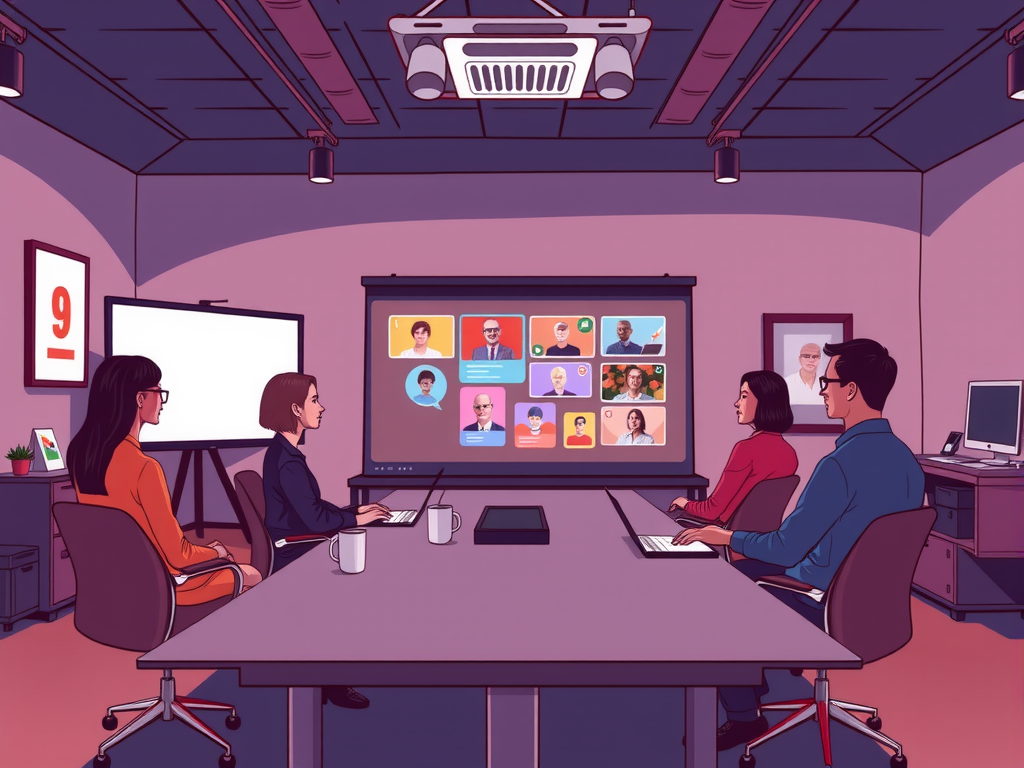
Are you looking to elevate your internal meetings with engaging multimedia presentations? Well, look no further! In this article, we will walk you through how to create impactful multimedia presentations that will captivate your audience and leave a lasting impression. From choosing the right visuals to incorporating interactive elements, we've got you covered. So, let's dive in and make your next internal meeting a memorable one!
Creating multimedia presentations for internal meetings doesn't have to be complicated. With the right tools and a bit of creativity, you can easily craft presentations that are not only informative but also visually appealing. In this guide, we will provide you with practical tips and tricks to help you design dynamic presentations that will keep your team engaged and excited. So, if you're ready to take your internal meetings to the next level, keep reading to learn how to create multimedia presentations that pack a punch!
Table of contents
Enhance Internal Meetings with Engaging Multimedia Presentations
Internal meetings can sometimes be dull and unproductive, but incorporating multimedia presentations can help enhance engagement and communication among team members. By utilizing various forms of multimedia, such as images, videos, and interactive slides, you can create a more dynamic and visually appealing presentation that will keep participants interested and focused.

Multimedia presentations can help convey complex information in a more digestible and accessible format, making it easier for team members to understand and retain important details. By incorporating visuals and interactive elements, you can also cater to different learning styles and preferences, ensuring that everyone can engage with the content effectively.
In addition to enhancing understanding and engagement, multimedia presentations can also help streamline communication and collaboration during internal meetings. By presenting information in a clear and organized manner, you can facilitate discussions, brainstorming sessions, and decision-making processes, ultimately leading to more productive and efficient meetings.
Boost Employee Engagement Through Interactive Meeting Presentations
Boosting employee engagement through interactive meeting presentations is a key strategy for keeping your team motivated and connected. By incorporating multimedia elements such as videos, graphics, and interactive slides, you can create a dynamic presentation that captures the attention of your employees and encourages active participation. This not only makes meetings more engaging but also helps to improve information retention and overall productivity.
Creating visually appealing and interactive presentations can help to break up the monotony of traditional meetings and keep employees interested and engaged. Here are some tips to help you create multimedia presentations that will leave a lasting impression on your team:
– Use a variety of multimedia elements such as videos, images, and interactive slides to keep employees engaged
– Incorporate interactive features such as polls, quizzes, and Q&A sessions to encourage participation
– Keep the presentation focused and to the point, avoiding unnecessary information that could detract from the main message
– Use a consistent design theme throughout the presentation to maintain visual coherence and keep employees focused
– Encourage feedback and discussion during the presentation to foster a collaborative and engaging environment.
Maximize Impact: Tips for Creating Multimedia Presentations for Internal Meetings
In today's fast-paced work environment, creating engaging multimedia presentations for internal meetings is essential to maximize impact and effectively communicate your message to your team. To create a successful multimedia presentation, consider the following tips:
– Keep it simple: Use easy-to-understand language and visuals to convey your message clearly.
– Use the active voice: Engage your audience by using active verbs and direct language to maintain their attention.
– Include a variety of multimedia elements: Incorporate images, videos, charts, and graphs to make your presentation visually appealing and dynamic.
– Keep it brief: Avoid overwhelming your audience with too much information. Focus on key points and keep your presentation concise.
– Practice before the meeting: Rehearse your presentation to ensure a smooth delivery and confident presentation.
By following these tips, you can create multimedia presentations that are engaging, informative, and impactful for your internal meetings. Remember to tailor your presentation to your audience and keep their needs and interests in mind throughout the process.
Frequently Asked Question
How to Create Multimedia Presentations for Internal Meetings
Creating multimedia presentations for internal meetings can be a highly effective way to engage your audience and convey important information. To start, gather all necessary materials, including text, images, and videos. Next, choose a user-friendly presentation software such as Microsoft PowerPoint or Google Slides. Customize your slides with relevant content and visuals that support your message. Don't forget to practice your presentation beforehand to ensure a smooth delivery.
Benefits of Using Multimedia Presentations
Using multimedia presentations for internal meetings offers numerous benefits, including increased engagement, improved retention of information, and the ability to convey complex ideas in a clear and concise manner. By incorporating interactive elements such as videos, animations, and audio clips, you can capture the attention of your audience and make your presentation more memorable.
Best Practices for Designing Multimedia Presentations
When designing multimedia presentations for internal meetings, it's important to keep your audience in mind. Use a clean and professional design that is visually appealing and easy to read. Organize your content in a logical manner and use consistent formatting throughout. Remember to keep your slides concise and avoid overcrowding them with too much information.
Engaging Your Audience During Presentations
To engage your audience during multimedia presentations, consider incorporating interactive elements such as polls, quizzes, or group activities. Encourage participation and feedback to keep your audience involved and interested. Don't forget to leave time for questions and discussion at the end of your presentation to ensure effective communication.
Conclusion
In conclusion, creating multimedia presentations for internal meetings can be a great way to engage your audience and effectively communicate your message. Remember to write in a style that is easy to understand, and keep your content simple yet impactful. By incorporating a mix of text, images, and videos, you can make your presentations more dynamic and engaging. Consider the needs and preferences of your audience, and tailor your content to meet their expectations. By following these tips, you can create multimedia presentations that are both informative and engaging for your internal meetings.