Are you looking to create captivating multimedia slideshows for your upcoming events? Look no further! In this article, we will guide you through the steps to create stunning slideshows that will impress your audience and leave a lasting impression. From selecting the right images and videos to choosing the perfect music and transitions, we have got you covered. Keep reading to learn how to create multimedia slideshows that will take your events to the next level!
Creating multimedia slideshows for events doesn't have to be a daunting task. With the right tools and techniques, you can easily put together a dynamic presentation that will wow your guests. Whether you are planning a wedding, corporate event, or birthday party, a well-crafted slideshow can add a personal touch and elevate the overall experience. So, roll up your sleeves and get ready to create a memorable slideshow that will leave a lasting impact on your audience. Let's get started!
Table of contents
Enhance Your Event with Engaging Multimedia Slideshows
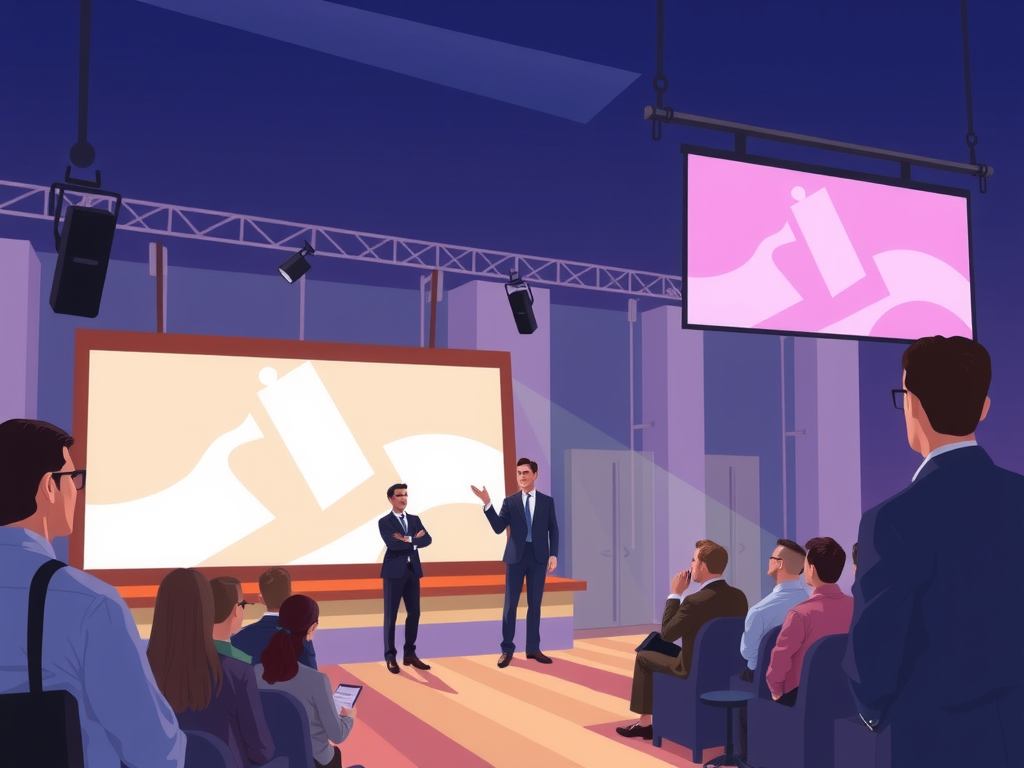
Enhance your event by creating engaging multimedia slideshows that will captivate your audience and leave a lasting impression. With the power of visuals and sound, you can bring your event to life in a dynamic and interactive way. Whether it's a corporate conference, a wedding reception, or a birthday party, multimedia slideshows are a versatile and effective tool for engaging your guests and enhancing the overall experience.

When creating a multimedia slideshow for your event, consider the following tips to make it a success:
– Use high-quality images and videos to grab the attention of your audience
– Incorporate music or audio clips that complement the theme of your event
– Keep the content concise and focused to maintain interest
– Use transitions and effects to create a seamless and professional-looking presentation
By following these simple steps, you can create a multimedia slideshow that will elevate your event and leave a lasting impression on your guests. So why wait? Start creating your engaging multimedia slideshow today and take your event to the next level!
Step-by-Step Guide to Creating Dynamic Event Slideshows
Creating dynamic event slideshows can help you capture the essence of your special occasion and share it with others in an engaging way. To get started, follow this step-by-step guide to make your multimedia slideshows truly stand out.
First, gather all the photos and videos you want to include in your slideshow. Choose high-quality images that highlight the key moments of the event and ensure that the videos are clear and well-edited.
Next, select a slideshow creation tool that suits your needs. There are many online platforms available that offer easy-to-use templates and customization options. Some popular choices include Canva, Adobe Spark, and Microsoft PowerPoint.
Once you have chosen your tool, start by creating a storyboard for your slideshow. This will help you organize the sequence of your photos and videos and plan any text or music you want to include.
After arranging your content, add transitions between each slide to create a smooth flow. You can choose from a variety of transition effects, such as fades, wipes, and slides, to add visual interest to your slideshow.
Finally, preview your slideshow to make sure everything looks and sounds great. Once you are satisfied with the final product, you can save and share your multimedia masterpiece with friends, family, or colleagues. With these simple steps, you can create dynamic event slideshows that will leave a lasting impression.
Boost Attendee Experience with Interactive Event Slideshows
Boost attendee experience with interactive event slideshows by incorporating multimedia elements that engage and captivate your audience. Utilizing a variety of visuals, such as photos, videos, and animations, can help create a dynamic and immersive experience for attendees, making your event more memorable and enjoyable. By incorporating interactive features, like polls, quizzes, and live Q&A sessions, you can encourage audience participation and create a more engaging and interactive environment. This not only enhances the overall experience for attendees but also helps to keep them interested and involved throughout the event.
Enhance the visual appeal of your event slideshows by using high-quality images and graphics that are relevant to the content being presented. By incorporating visually appealing elements, you can capture the attention of attendees and create a more visually stimulating experience. Consider using a mix of photos, videos, and animations to add variety and keep attendees engaged. Additionally, be sure to design your slideshows in a way that is easy to navigate and understand, making it simple for attendees to follow along and interact with the content being presented.
Frequently Asked Question
Creating Multimedia Slideshows for Events
When it comes to creating multimedia slideshows for events, it's important to start by gathering all the necessary photos, videos, and other media you want to include. Next, choose a slideshow creation tool that fits your needs, such as PowerPoint, Keynote, or online platforms like Canva or Slide.ly. Arrange your media in a visually appealing way, adding transitions, animations, and music to enhance the overall experience. Don't forget to optimize your slideshow for the event's theme and audience to make it truly memorable.
Tips for Creating Engaging Slideshows
To create engaging slideshows for events, consider using a mix of images, videos, text, and graphics to keep your audience interested. Keep your slides visually appealing with high-quality media and avoid overcrowding them with too much information. Use storytelling techniques to connect with your audience emotionally and keep them engaged throughout the presentation. Remember to customize your slideshow based on the event's purpose and audience to make it more impactful.
Adding Interactive Elements to Your Slideshow
Adding interactive elements to your slideshow can make it more engaging and memorable for your audience. Consider incorporating polls, quizzes, clickable links, or interactive maps to encourage audience participation and make the presentation more dynamic. Interactive elements not only keep your audience entertained but also allow for real-time feedback and engagement, making the overall experience more interactive and personalized.
Conclusion
In conclusion, creating multimedia slideshows for events is a great way to engage your audience and enhance the overall experience. By following these simple tips and tricks, you can easily create a visually appealing and impactful slideshow that will leave a lasting impression on your guests. Remember to keep your content clear, concise, and relevant to the event, and don't be afraid to get creative with your design and layout. With a little creativity and attention to detail, you can create a slideshow that will truly wow your audience and make your event one to remember. Start creating your own multimedia slideshows today and make your events unforgettable!