Are you looking to take your music videos to the next level and edit them like a professional? Editing music videos requires a unique skill set and attention to detail to ensure the final product is polished and engaging. In this article, we will delve into the tips, tricks, and techniques that professionals use to edit music videos that stand out from the crowd.
From selecting the right footage to utilizing advanced editing software, we will cover everything you need to know to edit music videos like a pro. Whether you are a seasoned editor looking to enhance your skills or a beginner looking to break into the world of music video editing, this article has something for everyone. So, grab your editing software and let's get started on creating music videos that will captivate your audience!
Master the Art of Editing Music Videos Professionally
Are you looking to take your music video editing skills to the next level? Mastering the art of editing music videos professionally requires a combination of technical expertise and creative flair. To create visually stunning and engaging music videos, follow these tips:

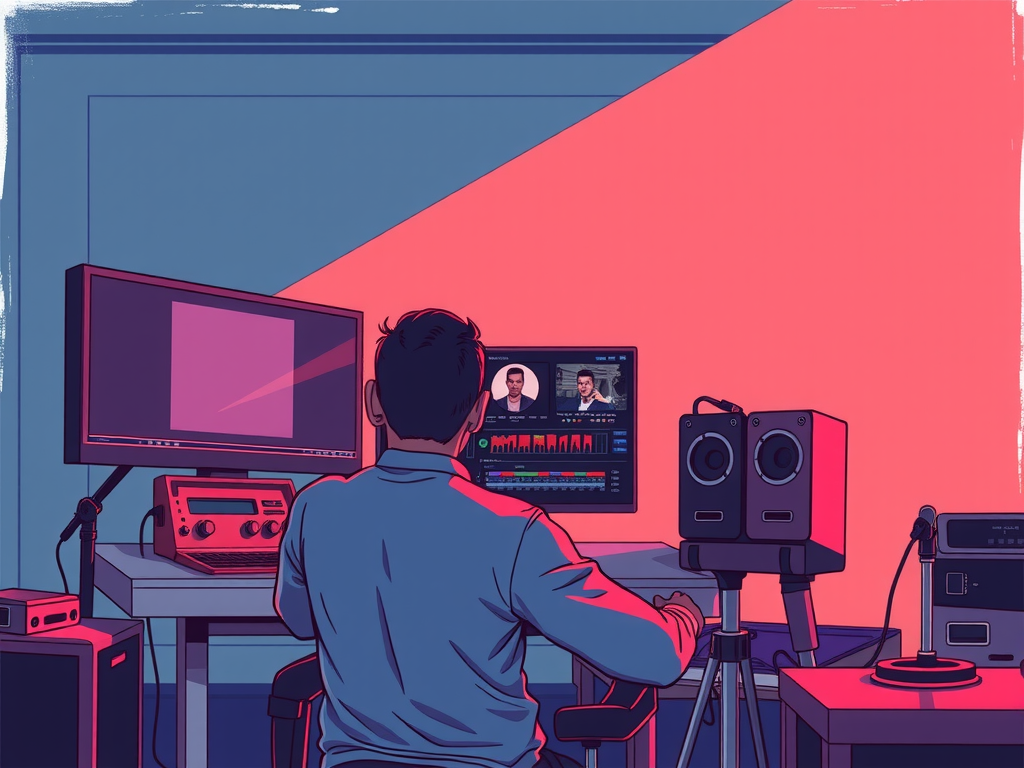
First and foremost, familiarize yourself with the latest editing software available in the market. Programs like Adobe Premiere Pro, Final Cut Pro, and DaVinci Resolve offer a wide range of features that can help you achieve professional-looking results. Take the time to learn the ins and outs of these tools to enhance your editing capabilities.
When editing a music video, it's essential to pay attention to the pacing and rhythm of the song. Use cuts, transitions, and effects to synchronize the visuals with the music, creating a seamless and engaging viewing experience for your audience. Experiment with different editing techniques to find the style that best suits the mood and tone of the music.
Another crucial aspect of editing music videos professionally is color grading. Enhancing the colors and tones in your footage can greatly impact the overall look and feel of the video. Use color correction tools to adjust the brightness, contrast, and saturation of your clips, creating a visually cohesive and polished final product.
Expert Tips for Editing Music Videos Like a Pro
Editing music videos like a professional requires a combination of technical skills and creative flair. To achieve a polished and professional-looking video, follow these expert tips:
– Start by organizing your footage and selecting the best shots to tell a cohesive story.
– Use a storyboard or shot list to plan out your editing process and ensure a smooth flow.
– Pay attention to the rhythm and pacing of the music to create a dynamic and engaging video.
– Experiment with different transitions, effects, and color grading to enhance the visual appeal of your video.
– Don't be afraid to make bold editing choices that align with the mood and style of the music.
– Lastly, always remember to fine-tune your edits, paying attention to details like audio levels and syncing with the music.
By following these tips, you'll be on your way to editing music videos like a pro and creating captivating visuals that resonate with your audience.
Advanced Techniques for Professional Music Video Editing
Are you looking to take your music video editing skills to the next level? Here are some advanced techniques that professionals use to create stunning music videos:
– Utilize color grading to enhance the mood and tone of your video. Experiment with different color schemes to achieve the desired look and feel.
– Incorporate visual effects such as transitions, overlays, and animations to add depth and interest to your video.
– Pay attention to the pacing and rhythm of your edits. Use cuts, fades, and montages to create a dynamic and engaging viewing experience.
– Experiment with different editing styles and techniques to find your unique voice as an editor.
– Don't be afraid to think outside the box and try new things. The more creative and innovative you are, the more memorable your music videos will be.
Frequently Asked Question
Editing Music Videos Like a Professional
If you want to edit music videos like a professional, you need to have a good understanding of the software you are using. Practice using different tools and effects to enhance your videos. Additionally, make sure to pay attention to the rhythm and flow of the music to create a visually appealing video that complements the song.
Choosing the Right Footage
When editing a music video, it's important to choose the right footage that aligns with the theme and message of the song. Quality footage can make a huge difference in the overall impact of the video. Make sure to select clips that are visually engaging and help tell the story of the song.
Adding Effects and Transitions
Adding effects and transitions can take your music video to the next level. Experiment with different effects to enhance the visual appeal of the video. Transitions can help create smooth transitions between scenes, while effects can add a dynamic element to the video.
Syncing Video with Music
One of the most important aspects of editing music videos is syncing the video with the music. Make sure to sync the visuals with the beat and rhythm of the song to create a cohesive and engaging video. This will help keep viewers engaged and immersed in the music.
Color Grading and Audio Enhancement
Color grading and audio enhancement are essential steps in editing a music video. Use color grading to enhance the overall look and feel of the video, and enhance the audio to ensure the music sounds crisp and clear. These steps can greatly improve the overall quality of the video.
Conclusion
Editing music videos like a professional requires attention to detail, creativity, and skill. By following the tips and techniques outlined in this post, you can learn how to enhance your videos and make them stand out. Remember to keep it simple, write in your own style, and stay true to your unique vision. With practice and dedication, you too can edit music videos like a pro. So grab your editing software and start creating stunning visuals that will captivate your audience. Happy editing!