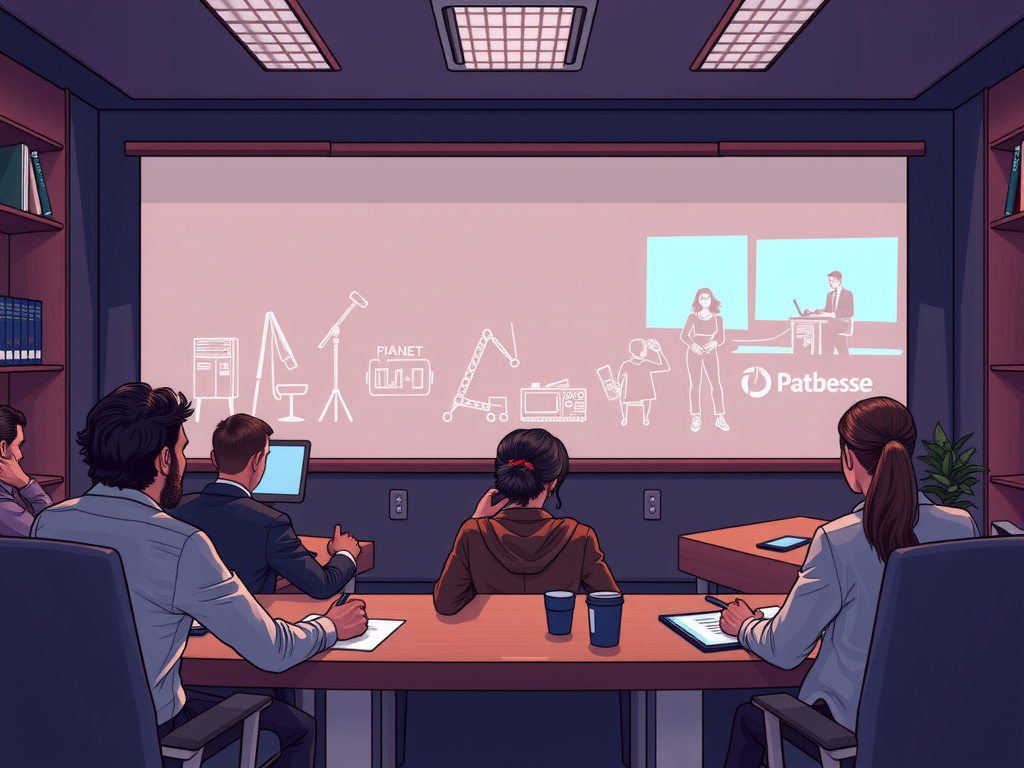
Are you looking to enhance the quality of your virtual presentations for your business? Editing virtual presentations is a crucial step in ensuring that your content is engaging, professional, and impactful. In today's digital age, a well-edited virtual presentation can make a significant difference in how your audience perceives your brand. From adding graphics and animations to improving audio and video quality, there are various ways to edit your virtual presentations to make them more effective.
When it comes to editing virtual presentations for businesses, it's essential to focus on creating a polished and professional look that resonates with your target audience. By paying attention to details such as transitions, fonts, and color schemes, you can elevate the overall quality of your presentations and leave a lasting impression on your viewers. Whether you're looking to showcase your products, services, or ideas, editing your virtual presentations can help you convey your message more effectively and drive better results for your business. So, let's dive into some tips and tricks on how to edit virtual presentations for businesses and take your content to the next level.
Table of contents
Maximize Your Virtual Presentation Impact with These Editing Tips
Virtual presentations have become a vital tool for businesses to connect with their audience in the digital age. To make sure your virtual presentation leaves a lasting impact, it's crucial to pay attention to the editing process. By following these editing tips, you can maximize the effectiveness of your presentation and ensure that your message is clear and engaging.

First and foremost, make sure to carefully review your content for any errors or inconsistencies. This includes checking for spelling and grammar mistakes, as well as ensuring that your presentation flows smoothly from start to finish. By taking the time to edit your content thoroughly, you can avoid distractions that may take away from your message.
In addition to checking for errors, it's important to consider the visual aspects of your presentation. This includes choosing the right fonts, colors, and graphics to enhance the overall look and feel of your content. By making sure that your presentation is visually appealing, you can capture the attention of your audience and keep them engaged throughout.
Another important aspect of editing virtual presentations is to make sure that your content is concise and to the point. Avoid including unnecessary information or filler content that may detract from the main message you are trying to convey. By keeping your content focused and clear, you can ensure that your audience stays engaged and retains the key points of your presentation.
Overall, editing is a critical step in the virtual presentation process that should not be overlooked. By following these tips and taking the time to carefully review and refine your content, you can maximize the impact of your virtual presentations and leave a lasting impression on your audience. So, don't underestimate the power of editing when it comes to creating successful virtual presentations for your business.
Enhance Your Business Presentations with Expert Editing Techniques
Enhance your business presentations with expert editing techniques to ensure that your virtual presentations are polished and professional. Editing plays a crucial role in refining your content and making it engaging for your audience. With the right editing techniques, you can elevate your virtual presentations and leave a lasting impression on your viewers.
By incorporating expert editing techniques into your business presentations, you can:
– Improve the overall flow and structure of your content
– Enhance the clarity and readability of your slides
– Eliminate any errors or inconsistencies in your presentation
– Add visual elements, such as graphics or animations, to enhance the overall impact
– Ensure that your message is effectively communicated to your audience
Expert editing techniques can help you achieve a more polished and professional look for your virtual presentations, ultimately helping you to captivate your audience and achieve your business goals. So, take the time to edit your content carefully and make sure that it is flawless before sharing it with your viewers. With the right editing techniques, you can enhance the quality and impact of your business presentations. Make the most of your virtual presentations by incorporating expert editing techniques into your workflow. Remember, a well-edited presentation can make all the difference in effectively conveying your message and leaving a lasting impression on your audience.
Boost Your Professional Image: Edit Virtual Presentations Like a Pro
In today's digital age, virtual presentations have become a crucial aspect of business communication. To ensure that you are presenting yourself and your business in the best light possible, it's essential to edit your virtual presentations like a pro. By following a few simple tips and tricks, you can boost your professional image and make a lasting impression on your audience.
When editing your virtual presentations, keep in mind the following key points:
– Start by reviewing your content and ensuring that it is clear, concise, and engaging.
– Pay attention to the visual elements of your presentation, such as slides, graphics, and videos, to ensure they are professional and on-brand.
– Practice your delivery and make sure you are confident and engaging when presenting to your audience.
By taking the time to edit your virtual presentations like a pro, you can enhance your professional image and make a lasting impact on your audience. So, don't overlook the importance of editing and refining your virtual presentations for success in the business world.
Frequently Asked Question
Editing Virtual Presentations for Businesses
When it comes to editing virtual presentations for businesses, it's important to focus on creating engaging and professional content. This includes trimming unnecessary information, improving visual elements, and ensuring a seamless flow of the presentation.
Enhancing Visuals in Virtual Presentations
Visuals play a crucial role in capturing the audience's attention during virtual presentations. To enhance visuals, consider using high-quality images, infographics, and slides that complement the content. Additionally, make sure to maintain a consistent color scheme and font style for a polished look.
Adding Interactive Elements to Virtual Presentations
Integrating interactive elements such as polls, quizzes, and Q&A sessions can help keep the audience engaged during virtual presentations. These features not only make the presentation more dynamic but also encourage audience participation and feedback.
Optimizing Audio and Video Quality
One of the key aspects of editing virtual presentations is ensuring optimal audio and video quality. Make sure to use a reliable microphone and webcam to enhance clarity and minimize distractions. Additionally, consider using a stable internet connection to prevent lags or interruptions.
Creating a Call to Action in Virtual Presentations
A call to action is essential for guiding the audience on the next steps after the virtual presentation. Whether it's directing them to visit a website, sign up for a newsletter, or contact the business, a clear and compelling call to action can drive engagement and conversions.
Conclusion
In conclusion, when editing virtual presentations for businesses, it is important to maintain a human touch in your writing style. By writing in a simple and easy-to-understand manner, you can effectively communicate your message and engage your audience. Remember to consider both perplexity and burstiness in your content, striking a balance between complexity and clarity. By following these guidelines, you can create virtual presentations that are both informative and engaging for your target audience.