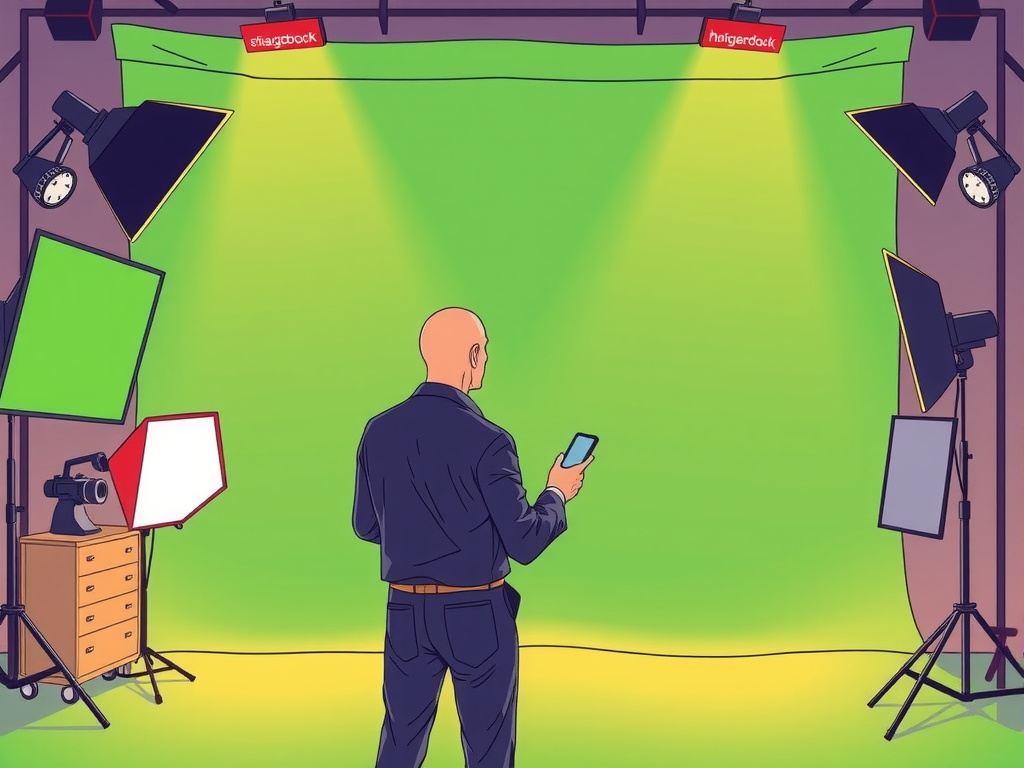
Are you looking to enhance your video production skills and take your content to the next level? Using green screen backgrounds can help you achieve professional-looking results without breaking the bank. In this article, we will show you how to use green screen backgrounds like a pro, from setting up your equipment to editing your footage for a seamless finish.
To get started, all you need is a green screen backdrop, good lighting, and a video editing software. By following a few simple steps, you can create stunning videos that will impress your audience. So, whether you're a beginner or an experienced filmmaker, mastering the art of green screen backgrounds is a valuable skill that can elevate your content creation game.
Table of contents
Mastering the Art of Green Screen Backgrounds for Professional Video Editing
Mastering the art of green screen backgrounds for professional video editing requires attention to detail and creativity. When using green screen backgrounds, it is essential to consider lighting, camera angles, and the overall composition of the shot. By following a few key tips and tricks, you can take your video editing skills to the next level and create professional-looking videos that stand out.

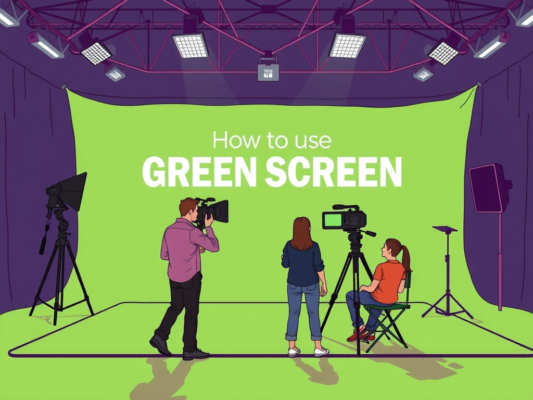
Creating a seamless green screen effect involves using the right equipment and techniques. Start by setting up your green screen backdrop in a well-lit area to avoid shadows and uneven lighting. Make sure to iron out any wrinkles in the fabric to create a smooth surface for keying out the background. Position your subject in front of the green screen, making sure they are well-lit and evenly exposed.
When filming with a green screen background, it is important to shoot from the right angle to ensure a realistic composite. Position your camera at eye level with your subject to create a natural perspective. Avoid harsh lighting that can cause shadows or spill onto the green screen. Use a tripod to keep your shots steady and consistent throughout the editing process.
In post-production, use video editing software like Adobe Premiere Pro or Final Cut Pro to key out the green screen background. Adjust the key settings to remove any leftover green spill and fine-tune the edges of your subject. Add a new background layer behind your subject to complete the composite and create a polished final product. With practice and attention to detail, you can master the art of green screen backgrounds and elevate your video editing skills to a professional level.
Enhance Your Videos with Expert Tips on Using Green Screen Backgrounds
Are you looking to take your video content to the next level? Using green screen backgrounds can help you create professional-looking videos that stand out from the crowd. With some expert tips and tricks, you can easily enhance your videos using green screen backgrounds like a pro.
Whether you're a beginner or experienced video creator, mastering the art of using green screen backgrounds can make a significant difference in the quality of your content. Here are some expert tips to help you make the most of this versatile tool:
– Lighting is key: Make sure you have sufficient lighting to avoid shadows and create a seamless look.
– Choose the right background: Select a high-quality green screen background that complements your content and enhances the overall aesthetic.
– Experiment with positioning: Play around with the distance between you and the green screen to find the optimal setup for your video.
– Use editing software: Take advantage of editing software to fine-tune your green screen effects and achieve a polished final product.
By following these expert tips and practicing consistently, you'll be able to use green screen backgrounds like a pro and elevate the quality of your video content. Get creative, experiment with different techniques, and watch your videos come to life in ways you never thought possible.
Pro Tips for Seamless Integration of Green Screen Backgrounds in Your Videos
Are you looking to take your video content to the next level with green screen backgrounds? Here are some pro tips for seamlessly integrating green screen backgrounds into your videos. First and foremost, make sure to choose a high-quality green screen backdrop that is free of wrinkles and shadows. This will ensure a clean and professional-looking final product. Additionally, proper lighting is key when using green screen backgrounds. Make sure to evenly light the green screen and yourself to avoid any unwanted shadows or color spillage. Finally, when editing your video, pay attention to details such as feathering and color correction to ensure a seamless integration of your chosen background. By following these tips, you can use green screen backgrounds like a pro and elevate the quality of your video content.
Frequently Asked Question
What are green screen backgrounds and how do they work?
Green screen backgrounds are used in video production to replace the green background with a different image or video. By using a green screen, you can easily remove the background and create a seamless effect. To use a green screen background like a pro, make sure to properly light the green screen to avoid shadows and wrinkles.
How can I set up a green screen background for my videos?
To set up a green screen background, you will need a green screen backdrop, proper lighting equipment, and a video editing software. Make sure the green screen is evenly lit and free of wrinkles. Position yourself in front of the green screen and start recording your video. In post-production, use the chroma key feature in your editing software to replace the green background with the desired image or video.
What are some tips for using green screen backgrounds effectively?
When using green screen backgrounds, it's important to avoid wearing green clothing or accessories, as they will also be removed in the editing process. Additionally, make sure to match the lighting of the green screen with the lighting of the background image or video for a more realistic look. Experiment with different angles and positions to find the best setup for your videos.
Where can I find high-quality green screen backgrounds?
You can find high-quality green screen backgrounds online on websites that specialize in stock footage and video assets. Look for green screen backgrounds that match the theme or style of your video project. Make sure to choose backgrounds that are in high resolution to avoid pixelation in your final video.
Conclusion
In conclusion, using green screen backgrounds like a pro requires attention to detail and creativity. By following the tips shared in this blog post, you can enhance your videos and create professional-looking content. Remember to experiment with different backgrounds and lighting to achieve the desired effect. With practice and patience, you can master the art of green screen backgrounds and take your videos to the next level.