Wednesday, December 31

Tag: audience participation

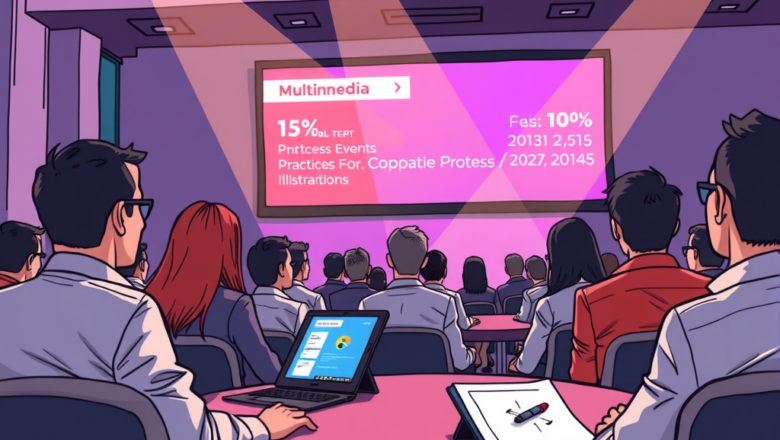
Best Practices for Multimedia in Corporate Events

Best Practices for Multimedia in Corporate Events

Video Priduction
Are you looking to enhance your corporate events with multimedia? Incorporating multimedia elements such as videos, slideshows, and interactive presentations can greatly elevate your event experience and leave a lasting impression on your audience. In this article, we will discuss the best practices for using multimedia in corporate events to engage attendees, communicate your message effectively, and create a memorable event that resonates with your audience. When it comes to multimedia in corporate events, it's essential to keep your content concise, relevant, and visually engaging. By using high-quality images, videos, and interactive elements, you can capture the attention of your audience and convey your message in a clear and compelling way. Stay tuned as we explore how to effective...

How to Use Multimedia Storytelling in Business Presentations

How to Use Multimedia Storytelling in Business Presentations

Video Priduction
Are you tired of delivering boring, monotonous presentations that fail to captivate your audience? It's time to spice things up with multimedia storytelling! By incorporating videos, images, and animations into your business presentations, you can create a dynamic and engaging experience that will leave a lasting impression on your viewers. But how exactly can you use multimedia storytelling to enhance your presentations? Keep reading to find out! In this article, we will explore the different ways in which multimedia storytelling can be utilized to make your business presentations more effective and memorable. From using videos to illustrate key points to incorporating interactive elements that encourage audience participation, we will provide you with practical tips and strategies for i...
How to Add Interactive Video Elements to Presentations

How to Add Interactive Video Elements to Presentations

Video Priduction
Are you looking to take your presentations to the next level? Adding interactive video elements is a great way to captivate your audience and keep them engaged. By incorporating videos into your slides, you can provide a more dynamic and interactive experience for your viewers. But how exactly do you add these elements to your presentations? Keep reading to discover the simple steps to seamlessly integrate interactive videos into your next presentation. To add interactive video elements to your presentations, start by selecting the video you want to include. You can either upload your own video or choose from a variety of online sources. Next, insert the video into your presentation slide and customize its playback settings. By adding interactive features such as clickable links or quizze...