Thursday, January 1

Tag: editing skills

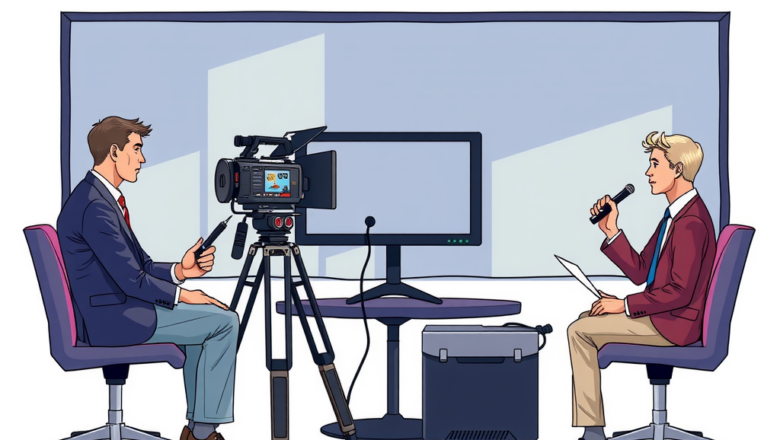
How to Edit Interviews for Corporate Training

How to Edit Interviews for Corporate Training

Video Priduction
Have you ever wondered how to edit interviews for corporate training? Editing interviews for corporate training is a crucial step in creating engaging and informative content for your team. By carefully selecting the best parts of the interview and organizing them in a cohesive manner, you can effectively convey key messages to your employees. In this article, we will discuss some tips and tricks on how to edit interviews for corporate training in a way that is both engaging and informative. From choosing the right sound bites to seamlessly editing transitions, we will cover everything you need to know to create a professional and polished training video. Stay tuned to learn more about the importance of editing interviews for corporate training and how it can benefit your organization. Le...
Best Laptops for Video Production and Editing in 2025

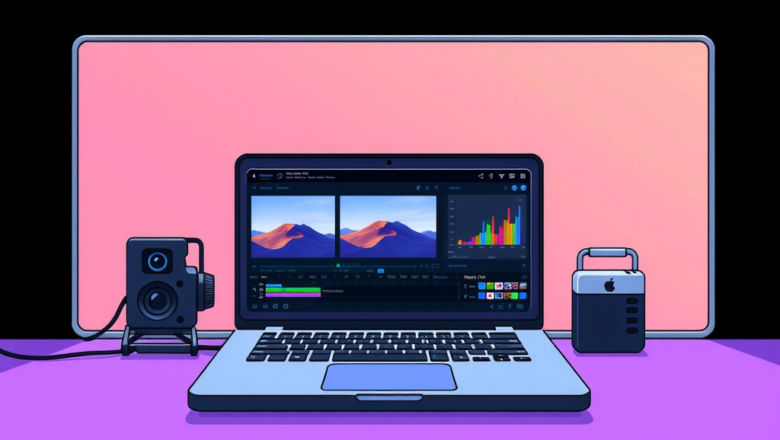
Best Laptops for Video Production and Editing in 2025

Video Priduction
Are you a video production enthusiast looking for the best laptops in 2025 to enhance your editing skills? Look no further! With the rapid advancements in technology, there are numerous options available that cater specifically to the needs of content creators. From powerful processors to high-resolution displays, these laptops are designed to provide you with the ultimate editing experience. Stay tuned as we dive into the top picks for video production and editing in 2025. In the fast-paced world of video editing, having the right tools at your disposal is crucial. Whether you're a beginner or a seasoned professional, having a laptop that can handle the demands of video production is essential. With features like fast rendering speeds, ample storage space, and vibrant displays, these lap...
Best Practices for Editing Multi-Camera Productions

Best Practices for Editing Multi-Camera Productions

Video Priduction
Are you looking to enhance the quality of your multi-camera productions through better editing practices? Editing multi-camera productions requires a different set of skills compared to editing single-camera projects. In this article, we will discuss some of the best practices for editing multi-camera productions to help you achieve a professional look and feel for your videos. When it comes to editing multi-camera productions, organization is key. By labeling and organizing your footage properly, you can save time during the editing process and ensure a smooth workflow. Additionally, utilizing tools such as multi-camera editing software can help you seamlessly switch between different camera angles to create a visually dynamic final product. To learn more about how to improve your editin...
Free Wedding Background Videos for Editing in Premiere Pro

Free Wedding Background Videos for Editing in Premiere Pro

tommyvideo.com
Planning a wedding is an exciting and memorable experience, but it can also be overwhelming when it comes to creating the perfect video to capture the special day. That's where free wedding background videos for editing in Premiere Pro come in handy. These videos provide a beautiful and professional touch to your wedding video, making it stand out and truly shine. Whether you're a beginner or an experienced editor, using free wedding background videos in Premiere Pro can take your wedding video to the next level. With a wide range of options to choose from, you can easily find the perfect background video that suits your style and theme. So, why settle for a basic wedding video when you can create something truly stunning with the help of these free resources? Let's dive in and discover h...
How to Create Professional AI Videos Without Editing Skills

How to Create Professional AI Videos Without Editing Skills

tommyvideo.com
Are you looking to create professional AI videos without having to spend hours editing them? Look no further! With the advancement of technology, it is now easier than ever to create stunning videos with just a few simple steps. Whether you are a small business owner, content creator, or just someone who enjoys making videos for fun, you can now easily create high-quality videos without any editing skills. Using AI-powered video creation tools, you can now produce professional videos in a matter of minutes. These tools allow you to choose from a variety of templates, customize the content to suit your needs, and add music, text, and effects with just a few clicks. Say goodbye to complicated editing software and hello to effortless video creation. Want to learn more about how you can creat...