Are you looking to improve the quality of your product reviews through better shooting and editing techniques? In today's digital age, creating engaging and professional-looking product reviews is key to attracting and retaining viewers. By following some simple tips and tricks, you can elevate the overall quality of your content and stand out from the competition.
One of the most important factors to consider when shooting and editing product reviews is lighting. Good lighting can make all the difference in how your products look on camera. Additionally, paying attention to framing, angles, and camera settings can help you capture the best shots possible. When it comes to editing, be sure to use software that is user-friendly and offers a variety of features to enhance your videos. By following these tips, you can create product reviews that are visually appealing and engaging for your audience. So, let's dive into some expert advice on how to shoot and edit product reviews like a pro!
Table of contents
Mastering Product Review Videos: Shooting and Editing Strategies
Are you looking to level up your product review videos? Mastering product review videos requires a combination of shooting and editing strategies to create engaging and informative content. When shooting your product review videos, consider the following tips:

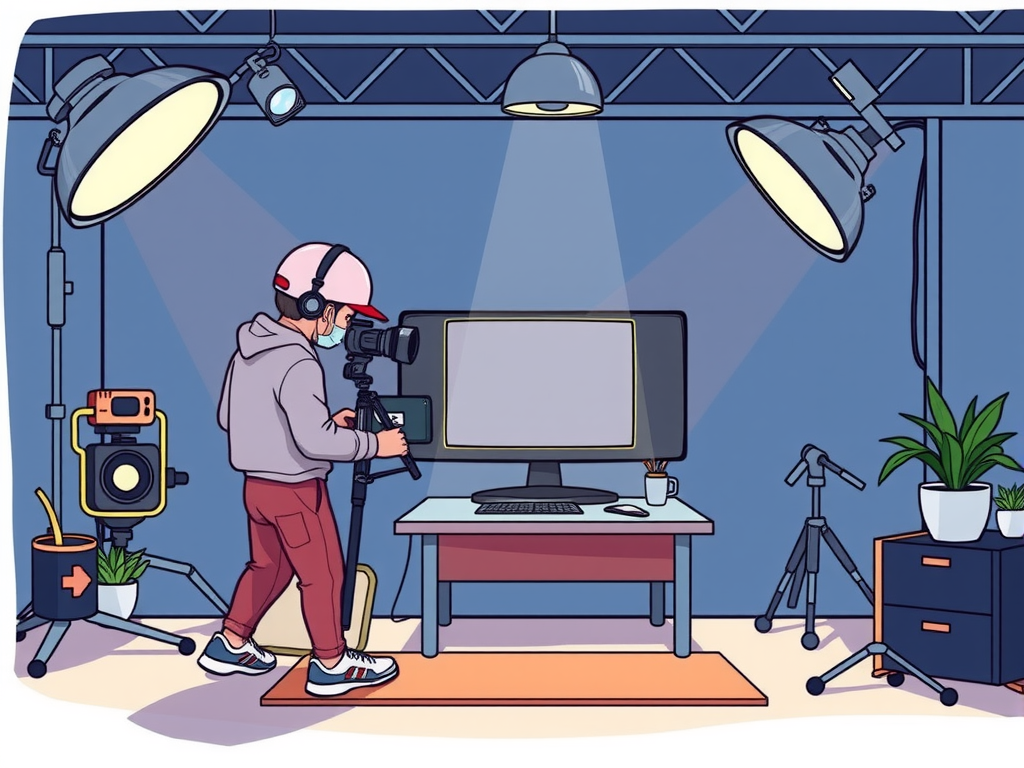
– Choose a well-lit location to ensure clear visibility of the product
– Use a stable camera or tripod to avoid shaky footage
– Incorporate different angles and close-up shots to showcase details
– Speak clearly and confidently to keep viewers engaged
When it comes to editing your product review videos, keep the following strategies in mind:
– Use editing software to enhance the overall look and feel of the video
– Cut out any unnecessary footage to keep the video concise and to the point
– Add text overlays or graphics to highlight key points or features
– Incorporate background music or sound effects to enhance the viewing experience
By implementing these shooting and editing strategies, you can create high-quality product review videos that resonate with your audience. So, grab your camera and get ready to master the art of product review videos!
Enhance Your Product Reviews with Expert Shooting and Editing Techniques
Are you looking to take your product reviews to the next level? Enhancing your reviews with expert shooting and editing techniques can help you create more engaging and professional content. When shooting your product reviews, be sure to pay attention to lighting, angles, and framing to showcase the product in the best possible way. Use high-quality equipment and consider investing in a tripod to keep your shots steady. When it comes to editing, focus on trimming unnecessary footage, adding transitions, and incorporating music or voiceovers to enhance the overall production value of your review.
Pro Tips for Shooting and Editing Engaging Product Review Videos
Are you looking to create engaging product review videos that captivate your audience? Look no further! Here are some pro tips for shooting and editing product reviews that will help you create high-quality content that stands out:
When shooting your product review videos, make sure to:
– Use good lighting to ensure clear visibility of the product
– Choose a clean and simple background to keep the focus on the product
– Use a tripod or stabilizer to avoid shaky footage
– Speak clearly and confidently to engage your viewers
– Show different angles and close-up shots of the product to provide a detailed look
When editing your product review videos, remember to:
– Keep the video concise and to the point
– Add text overlays or graphics to highlight key points
– Use transitions to make the video visually appealing
– Include a call to action at the end to encourage viewers to take the next step
By following these tips, you can create engaging product review videos that will keep your audience coming back for more. Happy shooting and editing!
Frequently Asked Question
How can I improve my product review videos?
When creating product review videos, tips for shooting and editing include using good lighting to showcase the product clearly, filming in a quiet environment to ensure clear audio, and including close-up shots to highlight key features. Additionally, make sure to provide honest and detailed information about the product to help viewers make informed decisions.
What are some editing techniques to enhance my product reviews?
Enhancing your product reviews through editing can greatly improve the overall quality of your videos. Some editing techniques include adding text overlays to highlight key points, incorporating smooth transitions between clips, and using music to enhance the mood of the video. Don't forget to also edit out any unnecessary footage to keep the video concise and engaging.
How can I make my product review videos more engaging?
To make your product review videos more engaging, tips include adding your personality to the video to connect with viewers, incorporating B-roll footage to add visual interest, and using a variety of camera angles to keep the video visually stimulating. Additionally, consider including customer testimonials or feedback to provide a well-rounded perspective on the product.
What software is best for editing product review videos?
When it comes to editing software for product review videos, popular options include Adobe Premiere Pro, Final Cut Pro, and Filmora. These programs offer a wide range of editing tools and effects to help you create professional-looking videos. Choose a software that fits your skill level and budget to effectively edit your product reviews.
Conclusion
In conclusion, when shooting and editing product reviews, it is important to write in a style that is human and relatable. Keeping it simple and using easy words can make your content more engaging and accessible to your audience. Remember to focus on the main thought of your review and convey it in a clear and concise manner. By following these tips, you can create product reviews that are both informative and enjoyable to read.